
実行要件
T4 + ハイメモリ以上
準備
参考サイト
https://note.com/doerstokyo_kb/n/n06f4777d63a8?utm_source=pocket_reader
Checkpointsのダウンロード
https://huggingface.co/stabilityai/stable-diffusion-3-medium
必要なファイル
- sd3_medium.safetensors
- text_encoders/clip_g.safetensors
- text_encoders/clip_l.safetensors
- text_encoders/t5xxl_fp8_e4m3fn.safetensors
- comfy_example_workflows/sd3_medium_example_workflow_basic.json
*.safetensorsたちはhuggingfaceはログインしないとダウンロードできないので、どこか適当なネットからダウンロードできるようにしておくかGoogle Driveに保存しておく。
sd3_medium_example_workflow_basic.jsonはローカルに保存しておけばOK。
※この記事ではネットからダウンロード前提で進めます。
ComfyUIをダウンロード
https://github.com/comfyanonymous/ComfyUI/blob/master/notebooks/comfyui_colab.ipynb
comfyui_colab.ipynbをGoogle Driveへアップロード
comfyui_colab.ipynbの編集
「Download some models/checkpoints/vae …」のコードセクションに行を追加
!wget -c "https://xxxxxx.s3.us-west-2.amazonaws.com/sd3_medium.safetensors" -P ./models/checkpoints/
!wget -c "https://xxxxxx.s3.us-west-2.amazonaws.com/clip_g.safetensors" -P ./models/clip/
!wget -c "https://xxxxxx.s3.us-west-2.amazonaws.com/clip_l.safetensors" -P ./models/clip/
!wget -c "https://xxxxxx.s3.us-west-2.amazonaws.com/t5xxl_fp8_e4m3fn.safetensors" -P ./models/clip/
他の行は全部コメントアウト
comfyui_colab.ipynbの実行
以下の順番にコードセクションを実行します
- Environment Setup
- Download some models/checkpoints/vae …
- Run ComfyUI with cloudflared (Recommended Way)
https://xxx-xxx-xxx-xxx.trycloudflare.com/ のURLが最後に表示されるのでアクセス
応答がなかった場合は「Run ComfyUI with cloudflared (Recommended Way)」をもう一度実行し直す
Workflowの準備
右側のLoadボタンを押してsd3_medium_example_workflow_basic.jsonを読み込む。
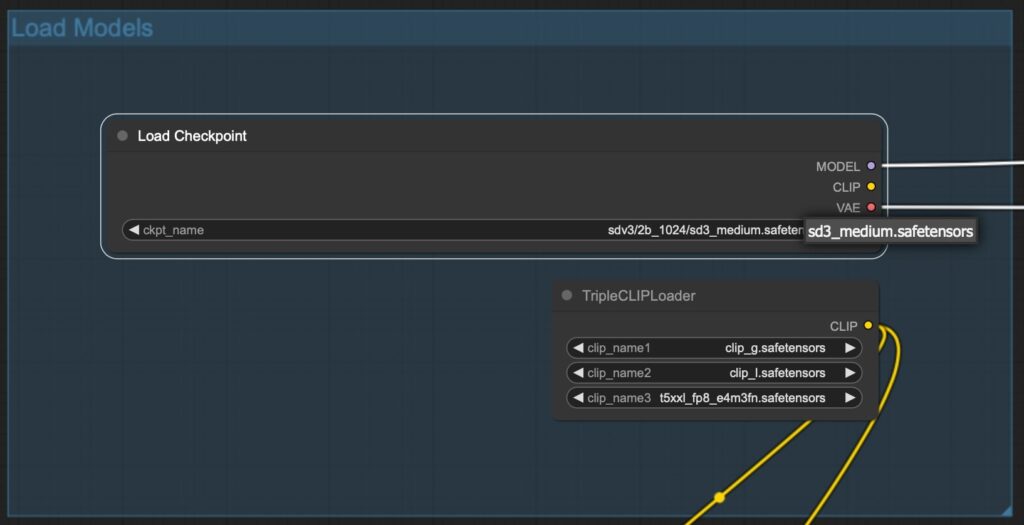
「Load Models」セクションへ移動
「sd3_medium.safetensors」の場所が別の位置になっているので選択し直す
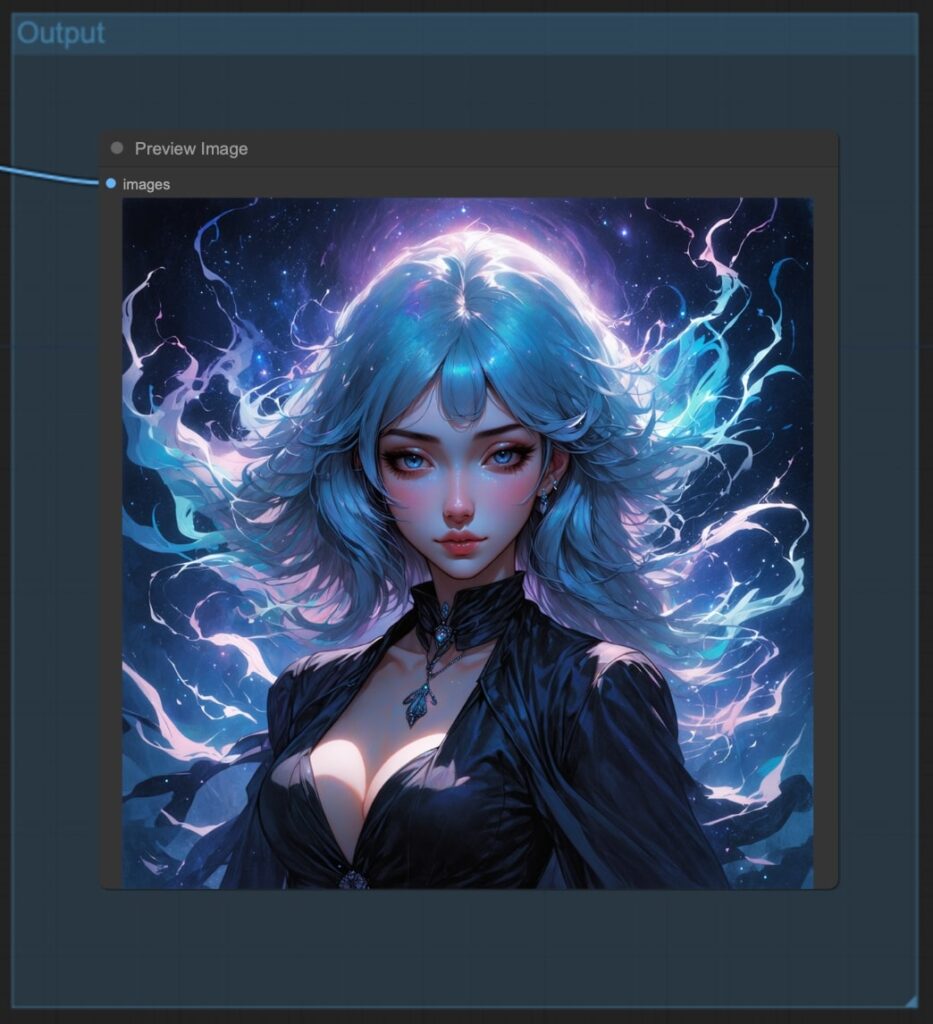
右側のQueue Promptを押してしばし待つ
ワークスペースの「Output」に画像が表示される


コメント